Team Viewing Guide
How to Watch Nebraska Volleyball in 2026: TV and Streaming Guide
Sources reviewed ; current research and later results are reflected in this review.
To watch Nebraska volleyball in 2026, start with the broadcaster beside the match on the Huskers' schedule. BTN and B1G+ are important viewing routes, but they are separate products. National television selections and nonconference events can add other broadcasters to the mix.
Nebraska's official television announcement provides a useful foundation: home matches and Big Ten road matches not selected for television are assigned to B1G+. That helps explain the schedule, but it does not eliminate the need to check individual fixtures. [1]
Use our Nebraska volleyball schedule as your planning page. Then confirm the final Watch information with Nebraska's official schedule or match preview. This guide walks through that process, from choosing access to following a match when the video will not cooperate.
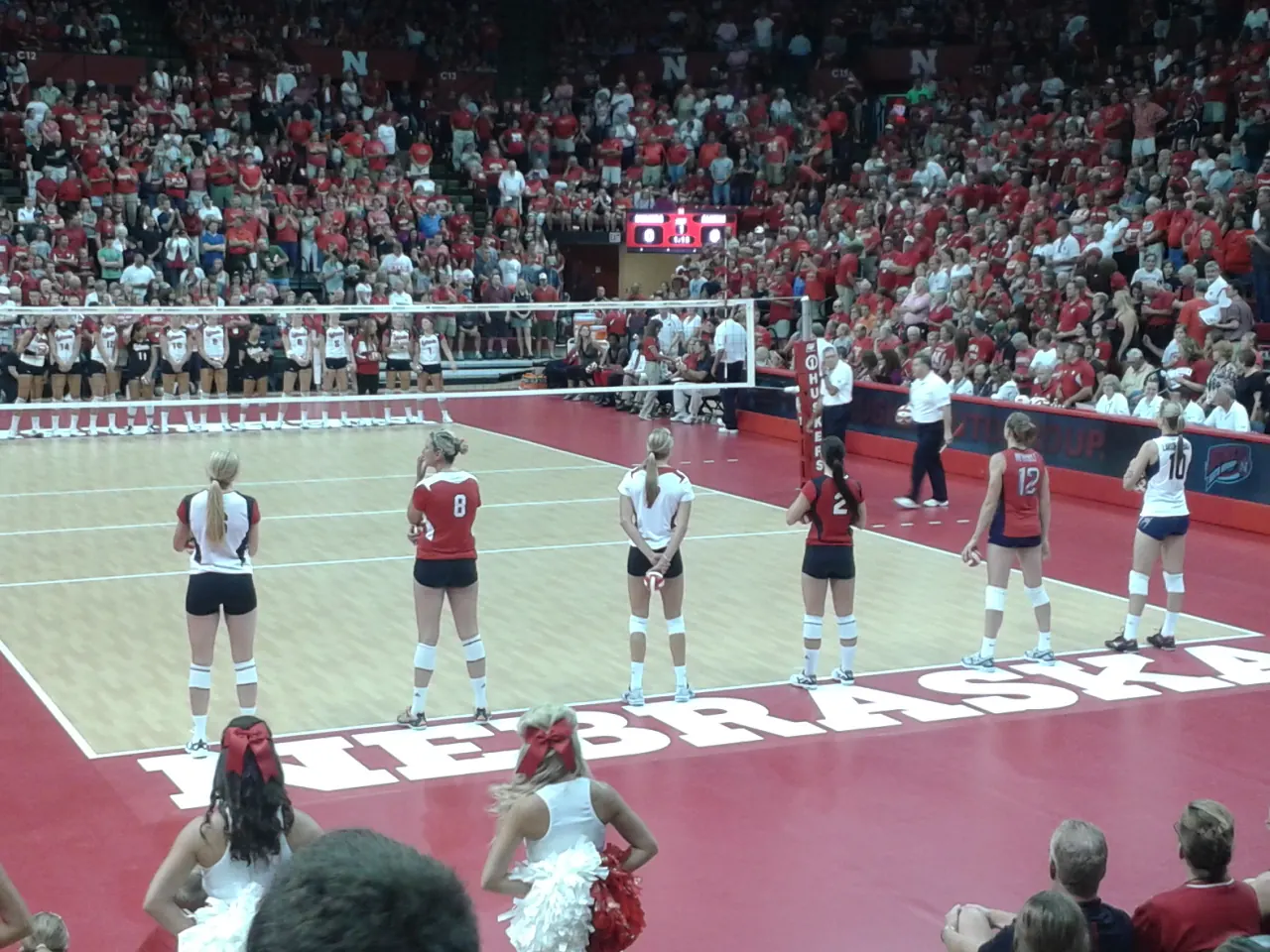
Image source and license
- Original photograph
- NebraskaVolleyballScrimmageLineup2013.jpg
- Source address
- https://commons.wikimedia.org/wiki/File:NebraskaVolleyballScrimmageLineup2013.jpg
- License address
- https://creativecommons.org/licenses/by-sa/3.0
- Preparation
- Full frame retained; resized and converted to WebP for the web. Image remains available under its source license.
In this guide
Make a Nebraska watch list first
Pick the next three or four Nebraska matches you intend to watch. Record the opponent, whether the Huskers are home or away, the first-serve time and the full television or streaming label. Leave a blank where an assignment is still pending.
That list will answer the subscription question more accurately than a generic recommendation. A month with several B1G+ matches can call for a different decision from a stretch dominated by BTN or national television selections.
Keep a note of when you checked the information. If you share it with friends, include the time zone and say which details remain unconfirmed. A screenshot without those details is easy to misread when a fixture changes or travels across a time zone.
If the match says BTN
BTN means Big Ten Network, the television channel. Check whether your current television or live-streaming package includes that channel in the tier you actually own. A provider's name alone is not enough; packages can differ.
If you use an authenticated viewing app, connect the qualifying provider account before match day. The Big Ten's network information explains its distribution and streaming routes, and the 2026 television announcement identifies FOX One coverage for televised programming. Check the current offering and event before purchasing. [2] [3]
Do not buy B1G+ to fix a missing BTN channel. The names are related, but the subscriptions serve different viewing needs. A live BTN assignment should send you toward BTN access.
If the match says B1G+
Open the event through B1G+ and confirm that your subscription covers it. This is the separate service used for additional, nontelevised Big Ten competition. It is not automatically included merely because you receive BTN through a television package. [4]
Check the full event name and date. Nebraska can appear in live events, upcoming tiles, archives and highlights, so searching only for the team name is not enough. If the tile is a replay, it does not establish where you can watch the next match live.
Before choosing a subscription term, count the matches you want. Read the current offer and renewal conditions rather than relying on an old price quoted in a fan discussion. A short period may suit a small cluster of matches; a broader sports interest can change that calculation.
National selections need their own check
A high-profile Nebraska fixture can receive a national broadcast assignment outside the ordinary BTN-versus-B1G+ choice. Read that label exactly and investigate access to the named channel or service.
For example, a match on an ESPN television network is not automatically included with a subscription limited to ESPN+ content. ESPN's current Unlimited plan includes its wider network offering, while Select supplies ESPN+ content. [5]
The same match-first approach applies to FOX-related assignments or any other broadcaster. You do not need to memorize every media-rights agreement. You need to identify the next fixture and verify the authorized service carrying it.
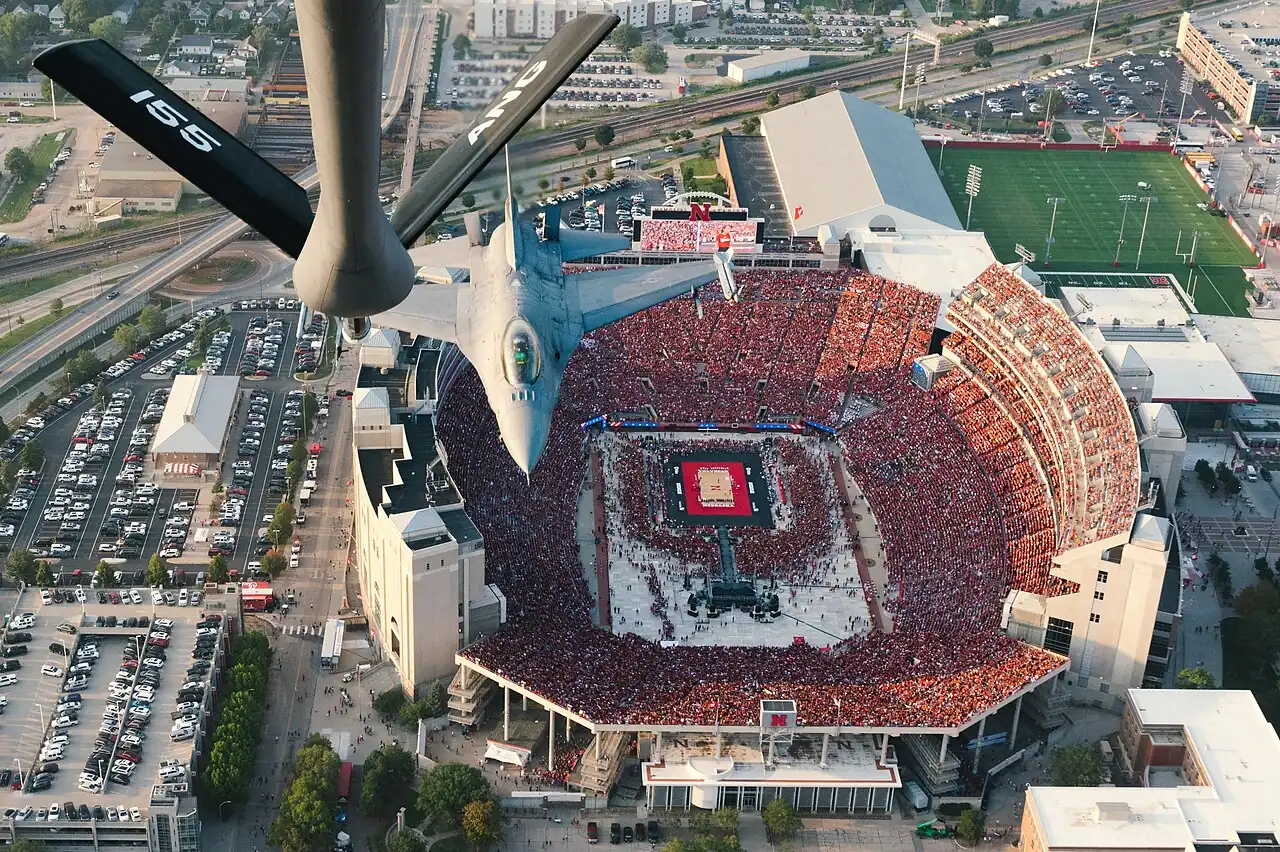
Image source and license
- Original photograph
- National Guard Memorial Stadium volleyball flyover.jpg
- Source address
- https://commons.wikimedia.org/wiki/File:National_Guard_Memorial_Stadium_volleyball_flyover.jpg
- License address
- https://commons.wikimedia.org/wiki/Commons:Public_domain
- Preparation
- Full frame retained; resized and converted to WebP for the web. Image remains available under its source license.
Road matches and neutral sites deserve extra attention
Big Ten road matches fit Nebraska's published digital-coverage guidance when they are not selected for television. A nonconference trip is a different situation. The host school or event organizer can have its own viewing arrangement.
Check the Nebraska listing alongside the host's official schedule. For a multi-team event, confirm which session contains the Huskers and whether one subscription or ticket covers the entire event. A general tournament page may not identify the correct match feed.
Do not assume that a stream for the first day also covers the second day. Even when the provider stays the same, the event page and start time can change. Save the fixture-specific link whenever one is available.
Read Nebraska times carefully
Nebraska's home schedule is naturally organized around its local setting, while national television releases may use Eastern time. Our schedule page also lets readers work with time-zone choices. Check the displayed zone rather than comparing clock numbers without context.
Write the time you intend to watch in your own calendar. If a match has no confirmed first serve, keep it marked as pending. A placeholder should not become a travel plan or a promise to friends that the television will be ready at that hour.
Recheck the official listing on the day. Earlier matches, television changes and event operations can affect timing. Even a correctly converted scheduled time is not a guarantee that the first whistle occurs at that exact minute.
Set up the screen before the crowd arrives
If you are inviting friends, test the actual television rather than stopping once the stream works on your phone. Confirm the active account, the event search, the sound and the remote control's playback functions.
A simple rehearsal catches most avoidable problems. Install the app, complete activation and try an included video. Keep the relevant login available through your normal secure account method rather than searching old emails as the players line up.
Have a backup screen ready if practical. A laptop connected to the television or a supported tablet can keep the match available if the preferred app develops a problem. Test any connection method beforehand; improvising it during a close set is rarely relaxing.
Radio is a useful part of following Nebraska
Nebraska's official match previews list Huskers Radio Network coverage, including online listening through the school's channels when provided. Use the preview for the particular fixture to confirm the current listening information. [6]
Audio is especially useful when you are away from a television, when the connection cannot support reliable video or when you want to keep following the match while resolving a playback issue. Keep the official live-statistics page nearby if you need a visual score reference.
Audio and video can have different delays. If you run both together, expect that one may reveal a point before the other shows it. Choose the feed that works best for your situation instead of assuming that separate services will stay synchronized.
What to do when access fails
If the event asks for a provider, check whether you are trying to watch a television-channel feed and whether the qualifying provider is connected. If it asks for a B1G+ subscription, confirm the subscription and account used for that purchase.
If the video starts and then freezes, switch to playback checks. Restart the app, test the connection and try another supported device. A subscription prompt and a buffering stream are different problems, even though both keep you from seeing the court.
Return to Nebraska's official schedule if the event itself appears missing. A broadcast assignment or link may have changed. Avoid unofficial pages that require new extensions or payment details to unlock what they describe as a free stream.
Catching up without spoiling the result
When you cannot watch live, investigate the official replay or your service's recording option. Confirm that you are saving the complete match rather than a highlight package. Availability and access requirements can differ by event.
Save the direct event page when possible. Team homepages, notification banners and social posts often reveal the final score immediately. If you want a spoiler-free replay, turn off score alerts and avoid searching by a phrase likely to return a recap headline.
Once you finish watching, our scores page can help you catch up on other tracked matches. For detailed performance analysis, use the official box score; a result alone cannot explain how Nebraska handled serve reception, side-out pressure or a particular rotation.
Following the standings alongside the match
If you watch Nebraska while checking other Big Ten results, keep those tabs separate from the live-event page. A score widget can refresh earlier than your video and reveal a point before you see it.
Use the final official results when discussing the conference race afterward. A running score is still a match in progress, and another team's predicted finish should not be counted as a win in the standings. That small distinction keeps the watch-party conversation entertaining without turning an assumption into a reported result.
Keep the plan manageable all season
Review your watch list when a subscription is about to renew. Count the remaining fixtures on that service and check whether postseason coverage changes the calculation. A plan that made sense for September may be unnecessary for the final weeks of conference play.
Use the Nebraska schedule as a recurring starting point, rather than saving a different search query for every opponent. Separate live television, B1G+ and other assignments, and keep unknown information clearly marked.
The best setup is the one that reliably shows the Nebraska matches you care about at a cost you understand. A clear calendar, the right event label and an early login check will do more for that goal than collecting subscriptions simply because they carry a familiar sports logo.
Sources
- Nebraska: 2026 BTN volleyball television announcementhttps://huskers.com/news/2026/08/03/btn-announces-volleyball-tv-schedule
- Big Ten: About Big Ten Networkhttps://bigten.org/sports/2026/7/22/big-ten-network.aspx
- Big Ten: Historic 2026 volleyball television coveragehttps://bigten.org/news/2026/8/3/fox-to-broadcast-big-ten-volleyball-tournament-championship-match-as-part-of-historic-television-coverage-for-2026-60217.aspx
- B1G+ Help: What is B1G+?https://support.bigtenplus.com/hc/en-us/articles/4404943755410-What-is-B1G
- ESPN: Subscription planshttps://plus.espn.com/
- Nebraska: September 9 match preview and listening informationhttps://huskers.com/news/2026/09/9/vb-preview-vs-new-mexico-no-20-baylor-and-georgia-tech
- Nebraska: Official 2026 schedulehttps://huskers.com/sports/volleyball/schedule/season/2026