Streaming Guide
Does ESPN+ Include College Volleyball? What You Can Watch
Sources reviewed ; current research and later results are reflected in this review.
Yes, ESPN+ content includes college volleyball. It does not include every college volleyball match shown inside the ESPN app. The distinction matters because an ESPN, ESPN2, SEC Network or ACC Network event can have different access requirements from a match specifically labeled ESPN+.
In 2026, ESPN's subscription names add another layer: ESPN Select provides ESPN+ content, while ESPN Unlimited includes Select's content plus the wider ESPN network collection. You can still encounter ESPN+ labels on event listings even when the subscription checkout uses Select. Check the product attached to your account rather than assuming that the plus sign has disappeared from every schedule. [1]
If you arrived here because a match is locked, pause before buying another plan. First identify the event's exact label. That one detail usually explains more than the team's conference or the app's logo.
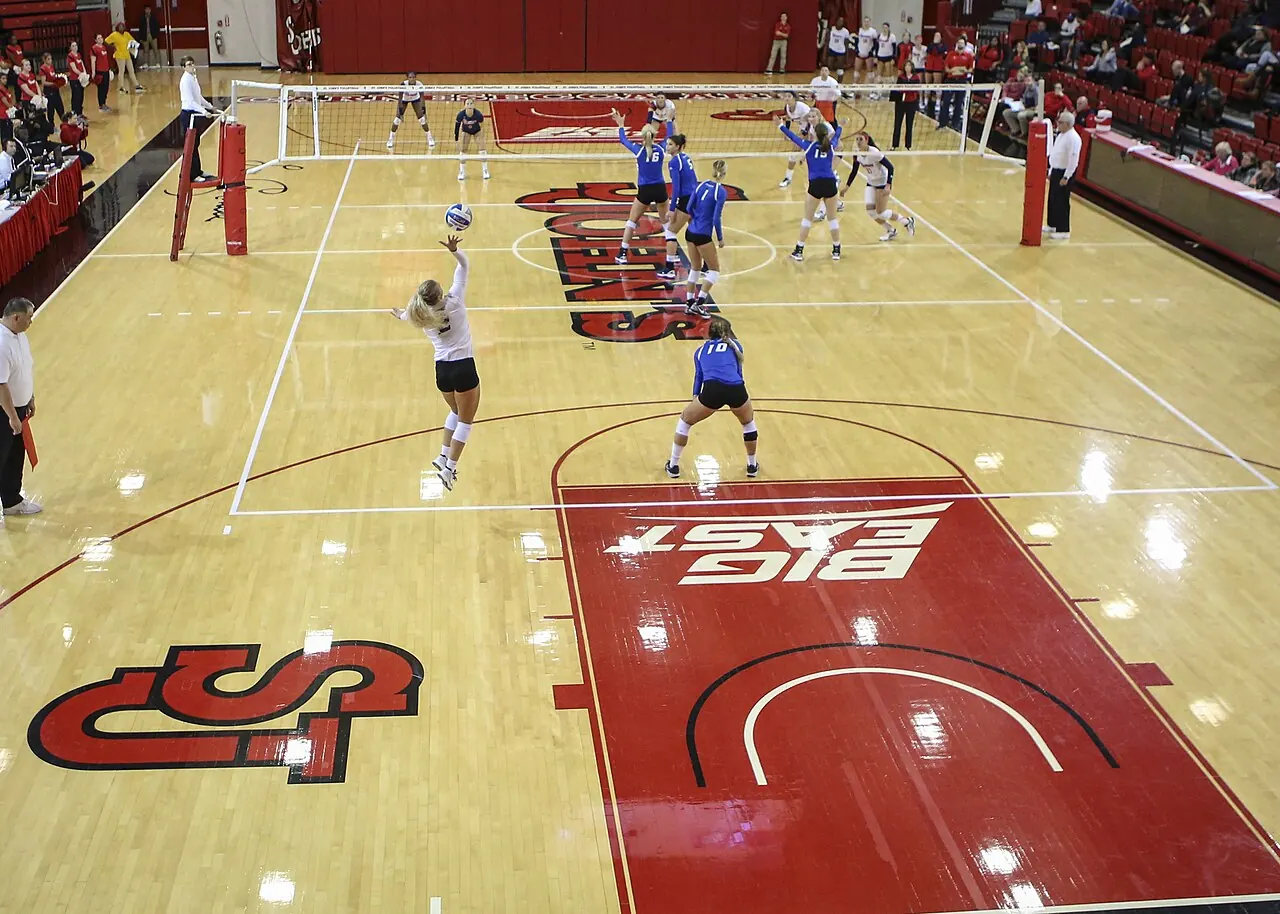
Image source and license
- Original photograph
- St. John's Red Storm women's volleyball vs. Creighton Bluejays.jpg
- Source address
- https://commons.wikimedia.org/wiki/File:St._John%27s_Red_Storm_women%27s_volleyball_vs._Creighton_Bluejays.jpg
- License address
- https://creativecommons.org/licenses/by-sa/4.0
- Preparation
- Full frame retained; resized and converted to WebP for the web. Image remains available under its source license.
In this guide
The app and the subscription are different things
The ESPN app combines scores, news, highlights and several kinds of video. Installing it does not create a paid subscription. A free account also does not establish access to every live event that appears on its home screen.
That is why two volleyball tiles sitting beside one another can behave differently. One may recognize your current subscription; the other may ask for a television provider or a plan with broader coverage. The app is presenting its catalog, rather than a list consisting only of content you already own.
Before you troubleshoot the device, open the event details. Find the network or service designation, confirm the date, and note the exact message on screen. “I can see the match” and “my subscription includes the match” are separate statements.
ESPN Select and Unlimited in practical terms
| Your viewing goal | What to check |
|---|---|
| Watch a match labeled ESPN+ | Whether your Select or Unlimited account includes that event |
| Watch the ESPN television channel | ESPN network access through a qualifying package or Unlimited |
| Watch SEC Network or ACC Network | The named network entitlement, rather than ESPN+ content alone |
| Watch SECN+ or ACCNX | The individual digital event's authorized access route |
| Use a provider benefit | Whether your package qualifies and the benefit has been activated |
ESPN's official plan page is the place to compare included networks and services. Eligible provider customers should also read the activation instructions before paying separately. Some access problems come from an unconnected benefit rather than a missing subscription. [1] [2]
Avoid choosing a plan from an old screenshot of prices. Compare the current offer, the renewal charge and the coverage you need. Product names can be familiar while the package behind them has changed.
Which volleyball matches can you actually watch?
The answer is event-specific. Start with a school schedule and look for the ESPN+ label beside the match. Then follow its official Watch entry to the correct event page. That gives you a much stronger basis for subscribing than a broad claim that a conference is “on ESPN.”
A conference's media relationship can help you find likely viewing options, but it is not a complete viewing guarantee. National selections, nonconference trips and independently organized tournaments can involve different arrangements. The host's official listing is particularly useful when your team is away.
Our team directory and college volleyball viewing hub can help you organize the search. Use the final broadcaster listing for the actual purchase decision.
Why ESPN+ does not mean all ESPN volleyball
Imagine two hypothetical matches on the same evening. The first is labeled ESPN+ and the second ESPN2. Both can appear in ESPN's interface, but the labels point to different coverage. You should not expect the first subscription entitlement to unlock the second simply because the app is the same.
The same issue arises with conference digital labels. SECN+ and ACCNX identify their own event coverage. Do not translate every “plus” or “extra” into ESPN+ in your notes. Keep the original label so you can check it accurately later.
This is also why a friend can watch a match you cannot. They may have Unlimited, an authenticated television package or a different provider benefit. Comparing only whether both of you “have ESPN” leaves out the detail that actually matters.
A five-minute check before subscribing
Write down the full matchup, date and broadcast label. Open the official event page and read what it says about access. Then inspect the subscriptions and provider benefits already attached to your household.
If your current account qualifies, test it. If it does not, compare the smallest suitable plan with any broader package you already use. Include the period you need, rather than comparing monthly prices without considering how many months you intend to keep the service.
Finally, check the renewal and cancellation terms. Keep the confirmation email where you can find it. That protects you from solving a one-match problem with a forgotten subscription that renews long after the season ends.
Replays: useful, but not a blanket promise
A full replay can make an evening conflict manageable. Search the official event archive and confirm that the video is the complete match rather than a highlight clip or a short recap. Check whether the replay requires the same access as the original event.
Availability windows and rights can differ, so avoid assuming that every match remains accessible indefinitely. If a particular replay matters to you, investigate it around the event rather than planning to find it several months later.
Save the direct event page when possible. To avoid spoilers, enter through that saved page and disable score notifications. Team news pages often lead with the result, which is helpful for a recap and less helpful when you want to experience a fifth set without knowing who won.

Image source and license
- Original photograph
- Sony television camera with DIGI SUPER 86II xs 20120211a.jpg
- Source address
- https://commons.wikimedia.org/wiki/File:Sony_television_camera_with_DIGI_SUPER_86II_xs_20120211a.jpg
- License address
- https://creativecommons.org/licenses/by-sa/3.0
- Preparation
- Full frame retained; resized and converted to WebP for the web. Image remains available under its source license.
Watching on your television
Test the device you intend to use. A subscription working on a laptop does not prove that the television app is signed into the same account or that the device has completed activation.
Install updates, finish the sign-in process and try included video before the match. If you plan to cast from another device, check that method early too. Last-minute experiments with cables, accounts and screen-sharing settings can consume the entire opening set.
Keep an alternative supported device available if the television app fails. A laptop or tablet is not everyone's preferred screen, but having a working backup can preserve your evening while you sort out the larger setup later.
Fix a lock before fixing the picture
When a tile displays a lock or requests a different subscription, start with access. Confirm the active account, the plan name and the event label. Check whether your provider benefit needs to be activated or reconnected.
When video starts but repeatedly stops, focus on playback instead. Test your connection, restart the app and consult the official service support instructions for your device. Lowering picture quality cannot solve an entitlement that your account does not have.
If you contact support, provide the exact matchup, date, device and message. That is more useful than saying that “volleyball does not work.” Do not post your password, payment details or full account information in a public help thread.
Can one subscription cover a whole team?
Possibly, but do the calendar check first. Separate a team's remaining matches by platform. You may discover that most of the events you want are in one service, with a few national selections elsewhere.
That is especially useful if you follow more than one conference. Make one combined list and identify the overlap. A broader package could simplify the household's viewing, while a narrower subscription could be enough for someone who only wants a small set of fixtures.
Revisit the list before renewal. Broadcast assignments can change, and the postseason may not use the same arrangement as the regular season. A subscription that worked for September should not be treated as a guarantee for every December round.
Free highlights and live statistics are different options
If you decide not to subscribe for a particular match, check the school's official coverage. A recap, live-statistics page or available radio feed can still help you follow the team. Those are alternatives to the broadcast, with their own limitations.
A highlight package does not show every rotation, and a box score cannot reproduce the pace of a long rally. On the other hand, live statistics can be useful when you are traveling or when a video connection is unreliable.
Be cautious with unofficial sites offering a supposedly free stream in exchange for an extension installation or payment verification. Return to the school or broadcaster's own event listing when you are unsure where an authorized feed lives.
One last check on bundles
If a bundle advertises ESPN alongside entertainment services, inspect the ESPN tier included. The presence of several familiar logos does not resolve whether it supplies Select content or wider network access. Read that line before comparing the headline price with a standalone plan, and check the regular renewal total as well as the introductory offer.
The answer to remember
ESPN+ content can be a good way to watch the college volleyball matches assigned to it. The mistake is expecting it to act as a universal pass for every ESPN-branded event. In 2026, compare Select and Unlimited by what they include, then match that coverage to your fixtures.
Start with the next match on your team's schedule. Read the original label, follow the official event information and test the account before first serve. Once that routine is in place, the product names become easier to manage and the subscription decision becomes much less expensive to get wrong.
Sources
- ESPN: Current subscription plans and serviceshttps://plus.espn.com/
- ESPN: Provider activation for Unlimitedhttps://support.espn.com/hc/en-us/articles/40375424133780-How-do-I-activate-my-ESPN-Unlimited-plan-through-my-Pay-TV-Provider
- Disney+: ESPN access and plan distinctionshttps://help.disneyplus.com/article/disneyplus-watch-espn-plus