
Team Viewing Guide
How to Watch Purdue Volleyball: TV and Streaming Guide
Sources reviewed ; current research and later results are reflected in this review.
A Purdue match can be on BTN one night and B1G+ another. That small change in the schedule matters: BTN is a television network, while B1G+ carries its own live streams and replay library. Paying for the streaming service doesn't automatically give you the live television channel.
For a Boilermakers fan, the easiest starting point is the Purdue volleyball schedule. Find the opponent, read the broadcaster, then follow Purdue Athletics' Watch link. You'll know whether to open a channel guide or a separate stream before the teams start warming up.
The other useful detail is timing. A televised match can appear on B1G+ later as a replay even though it wasn't available there live. Here's how to keep those two routes straight.

Image source and license
- Original photograph
- Sony television camera with DIGI SUPER 86II xs 20120211a.jpg
- Source address
- https://commons.wikimedia.org/wiki/File:Sony_television_camera_with_DIGI_SUPER_86II_xs_20120211a.jpg
- License address
- https://creativecommons.org/licenses/by-sa/3.0
- Preparation
- Full frame retained; resized and converted to WebP for the web. Image remains available under its source license.
In this guide
Purdue broadcast labels explained
| Listed broadcaster | What you need to establish |
|---|---|
| BTN / Big Ten Network | Access to BTN through an eligible television or streaming package |
| B1G+ / Big Ten Plus | The streaming subscription or access for that event |
| Another national network | Access to that exact network, not merely a Big Ten-related service |
| Host-school or tournament stream | The organizer's official viewing instructions |
| TBA | A later match-specific confirmation |
Purdue's official schedule supplies the match context. B1G+ describes itself as a service focused on nontelevised live Big Ten competition, alongside replays and other programming. That explains why finding a Purdue replay there does not establish that tonight's live BTN match will also be there. [1] [2]
How to watch a Purdue match on BTN
Check the actual lineup of your television package. The phrase sports package is too broad to answer whether BTN is included. A provider may require a different tier, and a household can have access on one account while another login has no access.
If you are using an app instead of the provider's television box, complete the supported authentication process before the match. The account used to sign into an app is not always the account proving that you subscribe to a network.
Our BTN and B1G+ comparison explains the two routes in greater detail. Use it when a search result seems to imply that Big Ten branding means everything is in one subscription.
How to find Purdue on B1G+
Open the B1G+ event calendar and search by Purdue, volleyball and the correct date. Read both team names. A replay from a previous meeting can look convincing if you only notice the school logo.
Check the available subscription options inside the official service before purchasing. Make sure the plan shown covers the event you want, and review its billing period. Do not rely on an old screenshot of a school-specific promotion or a price from another season.
Once logged in, test playback on the device you intend to use. If you follow more than one Big Ten team, write down which future fixtures are B1G+ events so you can make a more useful decision about the subscription period.
Why a televised match may be missing from the live calendar
If Purdue is playing on BTN, searching B1G+'s live calendar may send you in circles. The service's support guidance says televised games appear once they have been uploaded as replays. For live viewing, use the network named on Purdue's schedule. [3]
That explains a situation which can look like a fault: you can find last week's Boilermakers match but not tonight's. Last week's entry may be an archive, while tonight's television selection belongs in a different live viewing service.
Read the date and status before troubleshooting. If the school has changed a broadcast assignment, its latest preview should point you toward the updated coverage. Follow that change rather than refreshing the old service through the first set.
Purdue road matches need their own viewing plan
Conference affiliation does not settle every nonconference away broadcast. A host school or tournament organizer can distribute its matches through another platform. Follow Purdue's Watch link, then cross-check the host if the information remains incomplete.
Be especially careful with tournaments featuring several matches or courts. An event pass may have different coverage from a single-match purchase. Read the scope of the offer before assuming the whole weekend is included.
Keep a note containing the opponent, date, broadcaster and starting time. Those details are more useful when helping another fan than telling them to download a general sports app.
West Lafayette time and the fan watching elsewhere
West Lafayette uses Eastern time. A Purdue fan in Chicago or another Central-time city should check the zone rather than assume the two nearby places share a clock.
Write the original zone in your calendar before converting a road match. A host's local listing can differ from Purdue's home-time listing without first serve having moved. This is particularly easy to miss when coordinating with another household over a text message.
Your calendar also needs room for the match to run. Volleyball has no fixed finish time; a five-set contest can change the rest of an evening. For travel or a late-night viewing plan, the match-duration guide is a better planning tool than a television guide's estimated ending.
Sort subscription problems from buffering
When a Purdue stream is locked, read the account prompt before changing anything. A BTN match may need a qualifying provider connection; a B1G+ match needs the appropriate B1G+ access. Resetting a router won't add either one.
If the video is playing but breaking up, test a supported browser or another screen on the same account. That gives you a useful clue about whether the issue is the television app or the connection. Keep a backup device ready if you're expecting trouble, rather than beginning its activation during a close set.
If the feed disappears or never appears, return to the official match page. Its live-statistics link can keep you following Purdue while you resolve the video. Note the event title and error for support; there is little value in purchasing a second subscription before you know what failed.
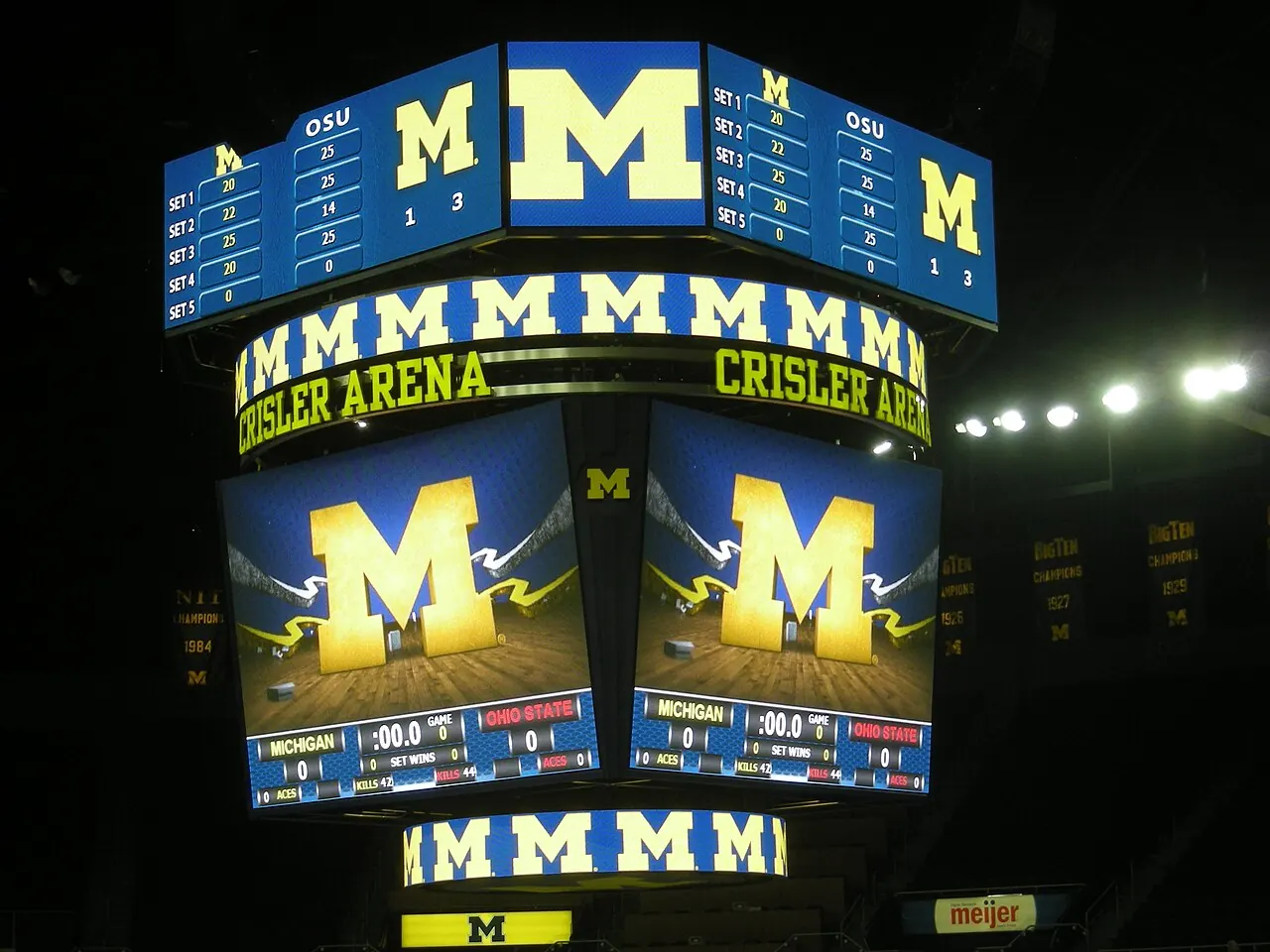
Image source and license
- Original photograph
- Ohio State vs. Michigan volleyball 2011 16.jpg
- Source address
- https://commons.wikimedia.org/wiki/File:Ohio_State_vs._Michigan_volleyball_2011_16.jpg
- License address
- https://creativecommons.org/licenses/by-sa/4.0
- Preparation
- Full frame retained; resized and converted to WebP for the web. Image remains available under its source license.
Watching after the match
B1G+'s published guidance says replays of televised BTN games are uploaded the next business day. Remember that the next business day may follow a weekend. That describes a later viewing route; it doesn't promise an immediate archive for every Purdue event on another network. [4]
If evening work often clashes with volleyball, compare confirmed replay access as carefully as live coverage. Find the actual recording before buying a plan for an older match. A page of free highlights isn't the full broadcast you were hoping to open.
For a BTN game, begin with the stated upload guidance and B1G+ archive. For another national channel, check that broadcaster's archive or your television service's recording feature. The replay guide explains the wider search without treating one platform as a complete library.
Save the event and mute score alerts before play if you want the outcome to stay a surprise. Search by the original match date when returning later, rather than starting with Purdue's news feed and its recap headline.
A second viewing can be useful even when you know the result. Follow one Purdue rotation through several service turns and compare the options available after different passes. The box-score guide helps connect those sequences to the final numbers.
Help another Purdue fan find the same broadcast
Send the opponent, date, time zone and network together. A message saying only that Purdue is on Big Ten coverage leaves the most important distinction unanswered. Naming BTN or B1G+ lets the other person open the right service immediately.
If you're watching together, choose one person to check the television login beforehand. That avoids two people making separate purchases while trying to help. A quick test earlier in the day is enough to expose a disconnected provider or an old app account.
For a fan deciding between a trip to campus and an evening at home, add the venue to the same message. Purdue can use different buildings for selected matches, so the ticket and entry guide handles the attendance questions separately. The broadcaster tells you how to watch; the ticket identifies where you need to arrive.
Once the next few matches are sorted, review the plan at renewal rather than carrying every subscription indefinitely. Keep what you're using, check the upcoming assignments and decide again when the schedule gives you a reason.
Following Purdue alongside another Big Ten team
If your household follows Purdue and another Big Ten program, use one combined match list when comparing coverage. The schools' separate schedule pages may point to the same meeting, so there is no reason to treat each team's Watch link as a separate purchase requirement.
Read the broadcaster for the match itself. If a streaming service offers several subscription options, check which teams and events the chosen option covers. Don't assume a school-specific offer includes everything another fan in the household wants to watch.
Then compare the billing period with the combined list. That gives a two-team household a different calculation from someone buying access for one Purdue evening. It is a small planning step that can make the actual coverage easier to see.
Sources
- Purdue Athletics: Official volleyball schedulehttps://purduesports.com/sports/volleyball/schedule
- B1G+: What the service includeshttps://support.bigtenplus.com/hc/en-us/articles/4404943755410-What-is-B1G
- B1G+: Upcoming live gameshttps://support.bigtenplus.com/hc/en-us/articles/4404943753746-Upcoming-Live-Games
- B1G+: Replay upload timinghttps://support.bigtenplus.com/hc/en-us/articles/4926234124700-How-soon-are-replays-uploaded